Anchor notes
Tiny field notes that know where they belong.
Open a marker. Shift the markers and watch each note follow its anchor.
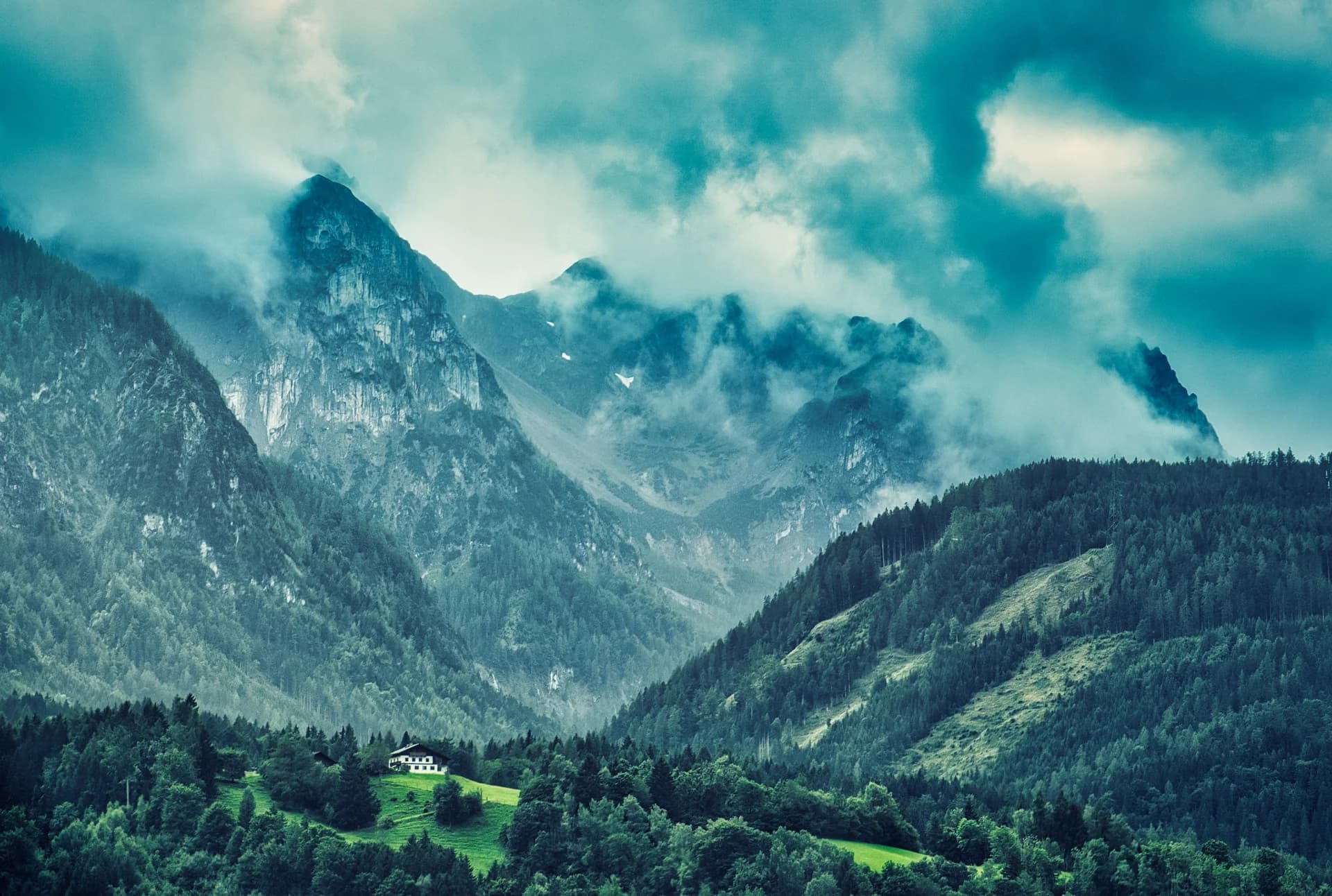
The ridge
The silhouette gives the eye a quiet place to land.
Cloud cover
Soft light keeps detail in both the rock and the sky.
A sense of scale
A tiny house makes the surrounding mountains feel enormous.
Customize
Checking browser support…
The idea
A photograph can hold more than one story. Three markers reveal notes about light, composition and scale. Move the markers with the slider: an open note follows its anchor.
Two browser features, working together
The Popover API puts the note in the browser's top layer, above clipping containers. A native button opens it; Escape or a click outside dismisses it. CSS anchor positioning places the note relative to its marker, with a fallback position when space runs out.
Try this
Open a note, then shift the markers. Resize the window and open the marker near the top. The browser decides where the note fits; there is no JavaScript measuring loop.
Support and accessibility
Markers are real buttons with descriptive names. The native popover supports light dismissal and Escape. Where anchor positioning is missing, the note opens in the centre. Where popovers are missing, a simple toggle and close button keep notes available.
This is a useful pattern for annotations, contextual help and compact menus. Keep important information in the document rather than hiding everything in popovers.